Explore ideas in the Scratch Pad
The Scratch Pad is a shared space for visual thinking. Use it for a component map, turn sequence, rules outline, balancing notes, or a wall of card references.
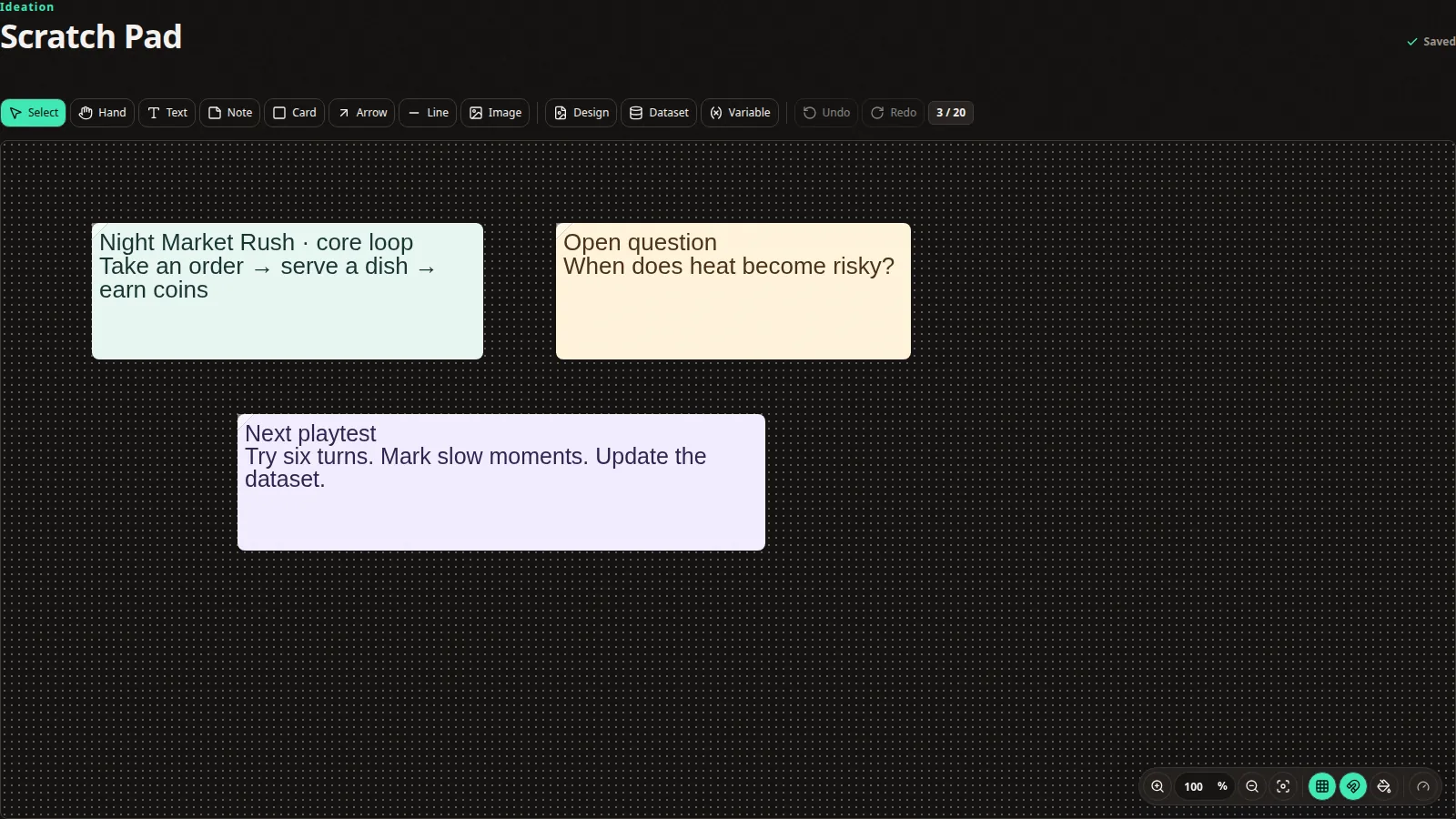 The Scratch Pad can combine notes and artwork with live references to project designs.
Add content
The toolbar provides text, notes, shapes, arrows, images, and design references. Arrange related material into clear regions and use a small set of colours consistently.
Design references stay connected to the project design. A pending or unavailable reference means its preview is still being prepared or could not be rendered; open the source design before trusting an older image.
Use project content
Scratch Pad text and references can use project fonts, variables, and images. Reusing the same libraries keeps rough planning aligned with final designs.
Large pads
For a large planning board:
- Separate topics with space and headings.
- Keep decorative images modest in size.
- Prefer a design reference over pasted duplicate screenshots.
- Use the overview to navigate, then zoom into one working area.
Whole-dataset previews are bounded to keep the canvas responsive. A very large sheet may not appear as one unlimited wall of cards.
Work together
Scratch Pad changes and presence update live. Avoid moving a cluster another person is actively editing. If the connection drops, keep the tab open until it reconnects and the saved state returns.
Export boundary
The Scratch Pad is a planning surface and does not currently have a whole-pad export. Export final cards, sheets, and images from the project Export workspace.