Reuse values with variables
Variables hold values that should be reused across designs without living in a card-by-card dataset.
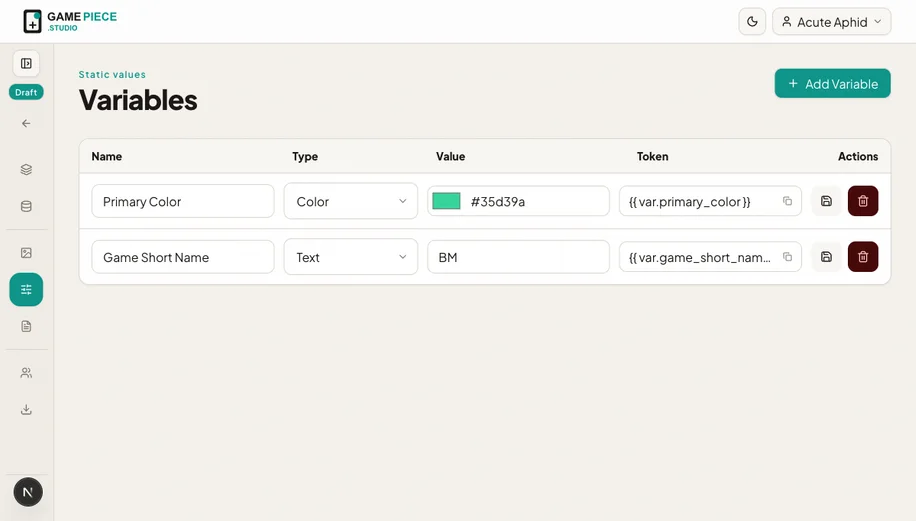 A variable changes one shared value; a dataset changes values from row to row.
Available variable types
Variables can hold text, a number, a boolean, a colour, or an image. They do not have an options/enum type.
Good uses include:
- Game title and copyright line.
- A shared rules version.
- Brand colour.
- Publisher logo.
- A global on/off treatment used by expressions.
Use a dataset column instead when the value changes between cards or pieces.
Create and bind a variable
- Open Variables.
- Create a clearly named value and choose its type.
- Open a design layer or supported setting.
- Choose the variable from its binding options.
- Change the variable once and verify every important use.
Rename or delete safely
Names should describe purpose: rules version is clearer than text 2. Before deleting a variable, inspect designs that depend on it. A missing variable can produce an unresolved value or an export QA error.